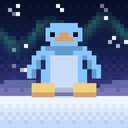
 Muse Penguin
A colony of tiny pixel penguins, all yours.
It starts with one egg. Every penguin who hatches has their own name, personality and look, and the colony grows into a little world: snow and naps, games they teach you, songs to dance to, and a story they dig up as they go.
Free · No ads · No account needed

Nobody's quite alike
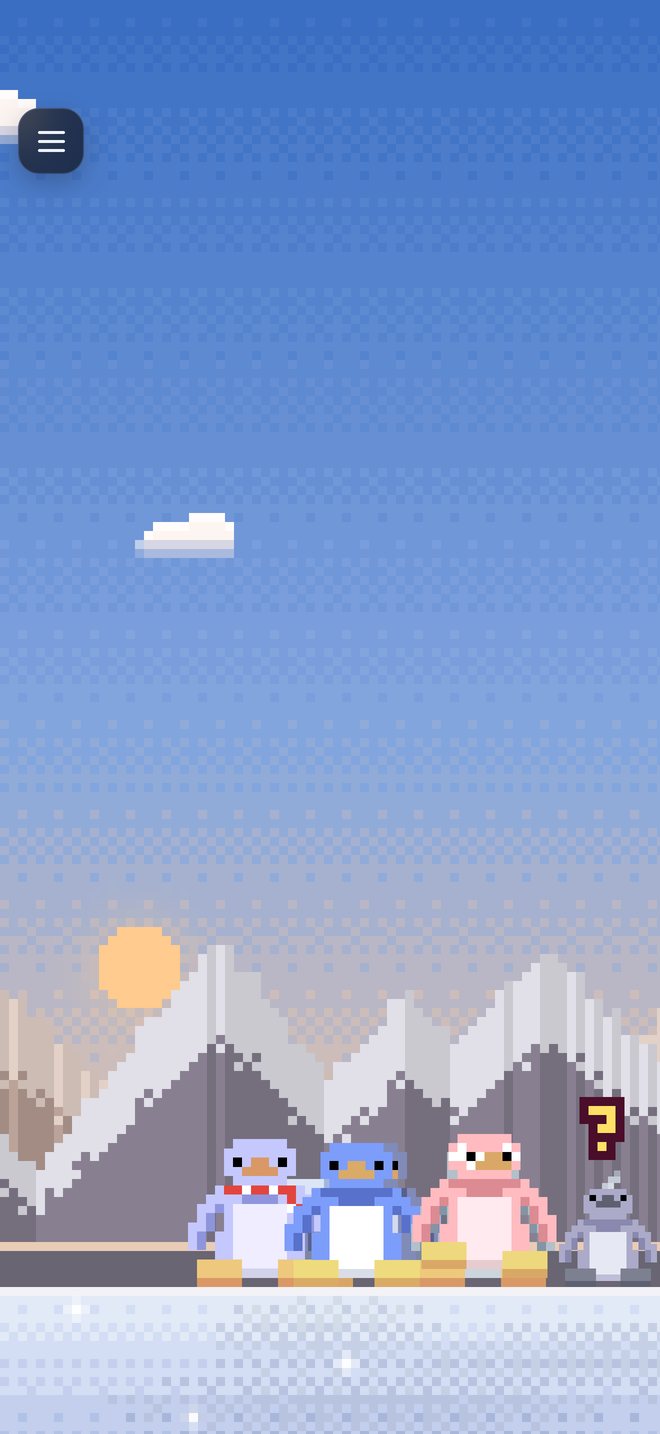
Each one hatches with a name, a personality, a quirk, a favorite song and a look. Some looks are rare, and a few only turn up once the gang has lived through the right things.
They get better at things
Everybody starts out clumsy. Climbing, fishing, building, dancing and the games they teach you all take practice, and they make friends (and rivals) along the way.
Their own little sky
On iPhone their sky follows your day: the real moon, stars, the northern lights, and weather that rolls in. Tip your phone and they slide.
On your home screen
Widgets for your home screen and lock screen, and a Live Activity when an egg's about to hatch.
On your phone, and your desktop
On Windows they live right on your desktop, around your windows. On iPhone they get a world of their own. Each has its own colony, and a Muse account (optional) lets you visit your friends' colonies and show them yours.
Help
Do I need an account?
No. Everything works without one. A Muse account is only for Muse friends: visiting their colonies and showing them yours. Sign in from the Penguin Hub, under Settings → App.
How do I open and close the Penguin Hub?
On iPhone, tap the button in the top-left corner. To put it away, press its red power key, pull it down by its top, or tap outside it. On Windows, click the penguin in your system tray.
How do I add the widgets?
Touch and hold your home screen, tap Edit, then Add Widget (or +), and look for Muse Penguin. For your lock screen, touch and hold it, tap Customize, then the space under the clock.
Where is my colony kept?
On your own device. Your iPhone and your computer each have their own colony. Deleting the app deletes the colony on that device.
Someone in Muse friends is being unkind
Open their profile in the Friends tab and choose Report or block. Blocking means you stop seeing each other anywhere in Muse. The community rules are at musemedia.app/community.
How do I delete my Muse account?
In the Penguin Hub: Settings → App → Delete my Muse account. It deletes the account for good, in every Muse app. Your penguins stay on your device. You can also email us and we'll do it for you.
Something isn't working
Email [email protected] with your phone or computer, and what happened.